
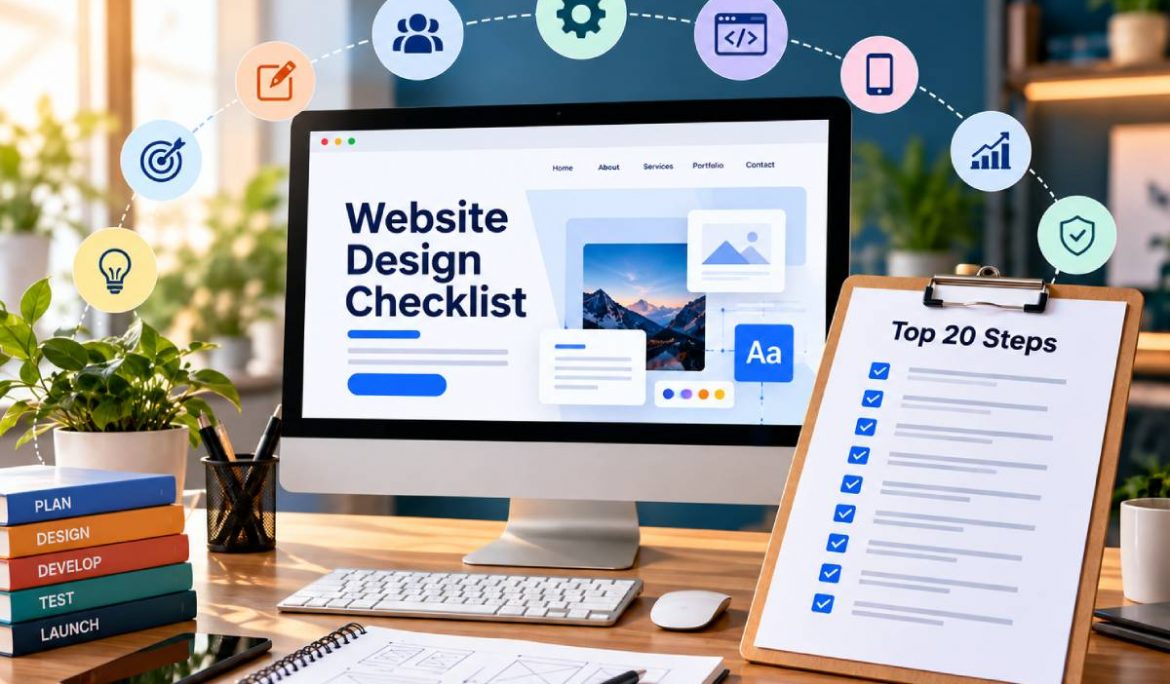
A website design checklist helps businesses plan a website that does more than look professional. In 2026, an effective website needs to support business goals, provide a smooth user experience, perform well on mobile devices, follow SEO best practices, establish trust, and make it easy for visitors to take action. From content planning and information architecture to performance, accessibility, analytics, and post-launch improvements, every stage can influence how effectively a website supports business growth.
Website Design Checklist: 20 Steps at a Glance
A successful website should be planned systematically rather than designed around visual preferences alone. The 20 steps in this guide cover four important stages:
- Planning: Define goals, understand customers, plan pages, prepare content, and research keywords.
- UX and Design: Improve user experience, prioritize mobile design, create CTAs, maintain branding, and simplify navigation.
- Technical SEO: Choose the right technical foundation, build SEO into the structure, improve speed, secure the website, and support accessibility.
- Launch and Growth: Establish trust, review legal requirements, test thoroughly, configure analytics, and continuously improve after launch.
This approach makes the website design checklist useful for both businesses building a new website and companies planning a redesign.
Website Design Planning Checklist: Steps 1–5
1. Define Your Business and Website Goals
Start by deciding what the website needs to accomplish. The primary goal could be generating enquiries, selling products, receiving bookings, building awareness, or encouraging visitors to contact the business. Clear objectives influence the page structure, content, CTAs, and measurement strategy.
2. Identify Your Ideal Customer
Understand who will use the website, what problems they are trying to solve, what information they need, and what could prevent them from taking action. Reviewing competitors can also reveal opportunities to improve positioning, content, and user experience.
3. Map Essential Pages
Create a sitemap before designing individual pages. Depending on the business, this may include Home, About, Services, Products, Locations, Case Studies, Blog, FAQs, and Contact pages. A logical hierarchy makes information easier to discover and gives search engines a clearer understanding of the website.
4. Plan Content Before Design
Design should support the message rather than forcing content into predetermined layouts. Prepare important headlines, value propositions, service descriptions, benefits, proof points, FAQs, and CTAs before finalizing page designs.
5. Conduct Keyword Research Early
Keyword research should influence the information architecture from the beginning. Map relevant search terms to specific pages, understand search intent, and avoid assigning the same primary topic to multiple competing pages. This creates a stronger foundation for organic visibility.
How to Plan Your Website Structure for SEO and Users
Website structure should work for both people and search engines. Organize the website so visitors can move naturally from broad information to specific services, products, locations, or resources.
For example, a service business might use a structure such as Homepage → Services → Individual Service Pages → Supporting Content → Contact. Internal links should connect related pages, while descriptive URLs and breadcrumbs can make relationships clearer.
Avoid creating unnecessary duplicate pages simply to target slightly different keyword variations. Each important page should have a distinct purpose and provide useful information. A well-planned structure also makes future content expansion easier.
User Experience Checklist: Steps 6–10
A strong user experience checklist should focus on how easily visitors can understand, navigate, and interact with a website.
6. Prioritize User Experience
Use clear visual hierarchy, readable typography, consistent layouts, meaningful whitespace, and logical content sections. Visitors should understand what a page offers without searching through unnecessary elements.
7. Design for Mobile First
Mobile visitors need layouts that work naturally on smaller screens. Check responsive behaviour, button sizes, menus, typography, forms, images, and spacing across different devices. Mobile-first design should be treated as a core requirement.
8. Create Clear Calls-to-Action
Every important page should guide visitors toward a relevant next step. Depending on the business, this could be “Request a Quote,” “Book a Consultation,” “Buy Now,” or “Contact Us.” Avoid filling a page with competing CTAs.
9. Maintain Consistent Branding
Use consistent colours, typography, imagery, logos, icons, and visual elements throughout the website. Consistency helps create recognition and gives visitors a more professional experience.
10. Build Intuitive Navigation
Navigation should help users find important information quickly. Use descriptive menu labels, logical categories, search functionality where appropriate, and breadcrumbs for deeper websites. A professional website designer in Thane & Mumbai should consider both visual appeal and the practical journey users take through the website.
How to Make Your Website Design Conversion-Focused
Good design should move visitors from understanding a business to taking a meaningful action. Every important page should have one primary purpose rather than competing for multiple actions.
A strong conversion-focused layout usually includes a clear value proposition, relevant benefits, a prominent CTA, supporting trust signals, and a simple next step. Forms should request only information that is genuinely necessary.
For example, a service page should quickly communicate the problem being solved, explain the service, demonstrate credibility, address common concerns, and make contacting the business easy. This customer journey aligns well with the user experience checklist because reducing friction improves both usability and conversion opportunities.
Technical Website Design Checklist for SEO: Steps 11–15
11. Choose the Right CMS, Hosting and Technical Foundation
Select the CMS, hosting environment, and technical setup according to the website’s requirements. Consider scalability, security, maintenance, integrations, content management, and future expansion instead of choosing a platform simply because it is popular.
12. Build SEO Into the Website Architecture
Configure clean URLs, logical heading structures, metadata, canonical tags, XML sitemaps, internal links, and relevant schema markup. SEO should be considered during design and development rather than added after the website is completed.
Businesses evaluating web design services in Mumbai should ask whether the provider understands both visual design and technical SEO. A strong website design company in Thane should also be able to explain how architecture and design decisions affect crawlability and search visibility.
13. Optimize Website Speed and Core Web Vitals
Compress images, reduce unnecessary scripts, optimize code, use suitable caching, and avoid excessive plugins or third-party resources. A fast website improves usability and creates a stronger technical foundation.
14. Secure the Website
Use HTTPS, secure forms, strong access controls, regular software updates, and reliable automated backups. Security protects business information and customer data while supporting user trust.
15. Make Accessibility Part of the Design
Use descriptive alt text, sufficient colour contrast, keyboard-friendly navigation, readable typography, and properly labelled forms. Accessibility should be included throughout the design process rather than treated as a final technical adjustment.
Accessibility also belongs in a comprehensive user experience checklist because a website should be usable by as many visitors as reasonably possible.
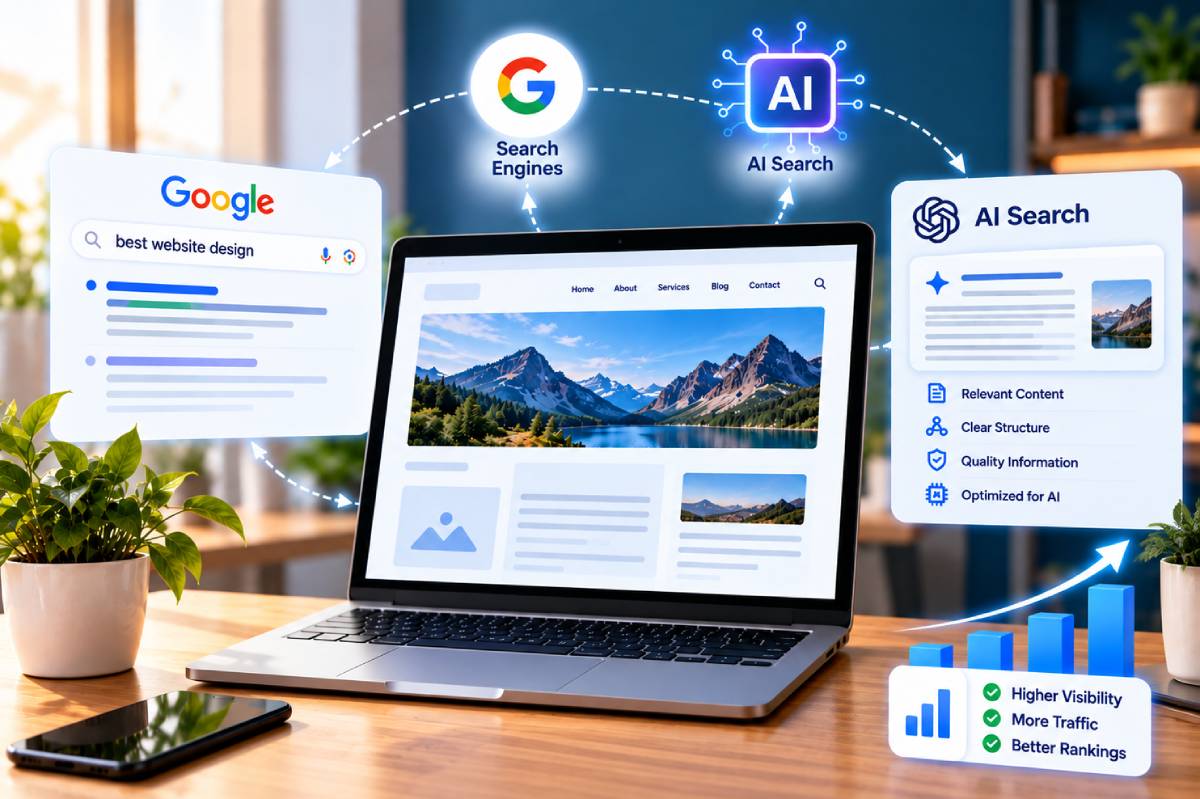
How to Design a Website for Search Engines and AI Search
Search-friendly website design now requires more than metadata. Search engines need to understand the site’s structure, content, relationships, and purpose. Use descriptive headings, logical navigation, useful original content, internal links, structured data where appropriate, and clear answers to common customer questions. Important business information should be easy to find and supported by credible evidence such as author information, case studies, reviews, or relevant credentials.
This approach also supports modern search experiences because clearly structured information is easier for systems to interpret and connect with user queries. Businesses using web design services in Mumbai should therefore consider search visibility during content and design planning rather than after development.
Build Trust and Credibility Into Your Website
16. Add Genuine Trust Signals
Visitors need reasons to believe that a business is credible. Include genuine testimonials, reviews, case studies, client experience, relevant certifications, team information, project examples, and clear contact details.
Trust should also be visible through the content itself. A professional website design company in Thane should help businesses communicate real experience and expertise rather than relying on generic claims.
A website designer in Thane working on a service business website should also understand where trust signals belong in the customer journey. Relevant proof placed near important CTAs can help visitors make decisions with greater confidence.
Website Launch Checklist: Steps 17–19
17. Review Legal and Privacy Requirements
Depending on the business and applicable regulations, include appropriate privacy policies, terms, cookie disclosures, and information about data collection. Legal requirements should be reviewed before launch rather than added as an afterthought.
18. Test the Website Thoroughly
Test the website across desktop, mobile, and major browsers. Check forms, navigation, links, images, buttons, redirects, 404 pages, indexability, canonical tags, sitemap configuration, and page speed.
Before launch, confirm that important pages are not accidentally blocked by noindex directives or development settings. Professional web design services in Mumbai should include structured quality assurance rather than ending when the visual design is approved.
19. Configure Analytics and Conversion Tracking
Connect Google Analytics 4 and Google Search Console, and track meaningful actions such as form submissions, purchases, bookings, phone clicks, and other important conversions. Without measurement, businesses cannot confidently identify which pages contribute to growth.
Step 20: Monitor and Improve the Website After Launch
20. Create a Post-Launch Improvement Plan
A website should not be considered finished when it goes live. Monitor organic impressions, clicks, conversions, broken links, page performance, technical issues, and user behaviour.
Use real data to identify opportunities. A page receiving substantial traffic but generating few enquiries may need a stronger value proposition or CTA, while a page losing organic visibility may require content or technical improvements.
A reliable website design company in Thane can support this process by combining design improvements with performance, analytics, and SEO insights.
Website Design vs Website Development: What Businesses Should Know
Website design focuses primarily on UX, UI, layouts, branding, navigation, typography, and visual communication. Website development turns those designs into a functioning digital platform through front-end and back-end technologies, CMS implementation, integrations, and technical infrastructure.
The two disciplines should work together. Attractive visuals cannot compensate for poor functionality, while technically strong development cannot deliver a good experience if the interface is confusing.
For businesses comparing a web design company in Mumbai, it is useful to evaluate whether the provider understands design, development, SEO, performance, and conversion requirements together.
Common Website Design Mistakes to Avoid in 2026
Some mistakes can undermine an otherwise attractive website:
- Designing around business preferences instead of user needs.
- Creating a poor mobile experience.
- Using too many competing CTAs.
- Making navigation unnecessarily complicated.
- Ignoring page speed.
- Using generic content and imagery.
- Treating SEO as an afterthought.
- Launching without analytics and conversion tracking.
- Ignoring accessibility.
- Creating pages without a clear search or business purpose.
- Failing to maintain and improve the website after launch.
Avoiding these issues can protect the investment made in the website and create a more useful experience for customers.
Website Design Checklist for Different Business Types
The priorities of a website can vary significantly by business model.
- Local businesses: Prioritize location information, calls, enquiries, reviews, services, opening information, and mobile usability.
- Ecommerce businesses: Focus on product discovery, filters, product information, checkout, payment security, reviews, and trust.
- B2B companies: Prioritize service explanations, case studies, expertise, lead generation, and clear enquiry journeys.
- SaaS businesses: Focus on product explanations, features, demonstrations, pricing information, onboarding, and conversion paths.
- Professional services: Highlight expertise, credentials, service information, case studies, FAQs, and easy enquiry options.
Understanding the business model helps a website designer in Thane create a website that supports the actual customer journey instead of applying the same design approach to every company.
How to Choose the Right Website Design Partner
When evaluating a website designer in Thane or another professional provider, look beyond the visual portfolio. Review relevant experience, UX/UI capabilities, technical knowledge, SEO understanding, mobile-first capabilities, performance optimization, testing processes, analytics implementation, and post-launch support.
A capable web design company in Mumbai should be able to explain how design decisions support user behaviour and business objectives. Ask how the team approaches mobile optimization, technical SEO, accessibility, analytics, security, and future improvements.
The right partner should also provide website design services that match the business’s actual requirements instead of pushing unnecessary features. For larger projects, evaluate development capabilities, integrations, scalability, maintenance, and ownership.
Final 2026 Website Design Checklist
A successful website starts with clear goals and customer research, then progresses through content planning, information architecture, UX, mobile-first design, navigation, technical SEO, speed, security, accessibility, trust, testing, and analytics.
Following a structured website design checklist helps businesses avoid expensive oversights and create a digital experience that is useful for customers and measurable for the business. Whether the project is a local service website, ecommerce store, B2B platform, SaaS website, or professional services site, the strongest approach connects user needs, business objectives, search visibility, conversions, and long-term growth.
Frequently Asked Questions
1. What should be included in a website design checklist?
A complete checklist should cover business goals, target audience, sitemap, content, keywords, UX, mobile responsiveness, CTAs, branding, navigation, technical SEO, speed, security, accessibility, trust signals, testing, analytics, and post-launch monitoring.
2. What are the most important elements of website design in 2026?
The most important elements include mobile-first UX, fast performance, clear navigation, useful content, strong CTAs, technical SEO, accessibility, security, trust signals, and reliable conversion tracking.
3. How do I plan a website before designing it?
Start by defining business objectives and target customers. Then plan the sitemap, content, keywords, user journeys, conversion goals, technical requirements, and design system before moving into detailed visual design.
4. Why is mobile-first website design important?
A large share of website interactions happen on mobile devices. Mobile-first design ensures that content, navigation, forms, buttons, and important actions remain usable on smaller screens.
5. How does website design affect SEO?
Website design influences information architecture, navigation, mobile usability, page speed, internal linking, content hierarchy, accessibility, and crawlability. These factors can affect how effectively search engines understand and users experience the site.
6. What should I test before launching a website?
Test mobile and desktop layouts, browsers, navigation, forms, links, CTAs, redirects, indexability, canonical tags, sitemap configuration, page speed, security, analytics, and important conversion actions.
7. How often should a business website be updated?
There is no universal schedule. Businesses should monitor performance and update content, design, technical elements, security, and conversion paths whenever data or changing business requirements indicate an opportunity or issue.
8. How do I choose the right website design company?
Review the provider’s portfolio, UX/UI capabilities, technical expertise, SEO knowledge, mobile-first approach, testing process, communication, security practices, analytics setup, and post-launch support. Choose a partner based on business fit rather than visual design alone.